 Yumina
AI anime character generator: how to make anime character art in Yumina Atelier (2026)
Atelier's Custom mode draws anime art on models trained for it, with four Anime versions, three other illustrated styles, LoRAs and a 4K option. The steps, the styles by name and the price of a picture.
An AI anime character generator draws best on a model trained on anime, with the prompt written the way that model reads it. Yumina Atelier has an AI anime image generator built for this. Its Custom mode runs anime models on Yumina's own GPUs, and a picture in the Anime style costs 10 mushies at the default settings. This guide covers the styles by name, the steps, and the settings that change the result.
Which anime art styles does Atelier have?
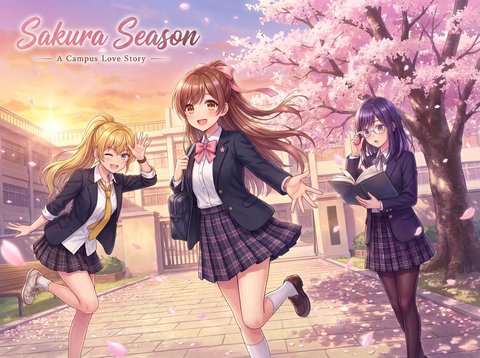
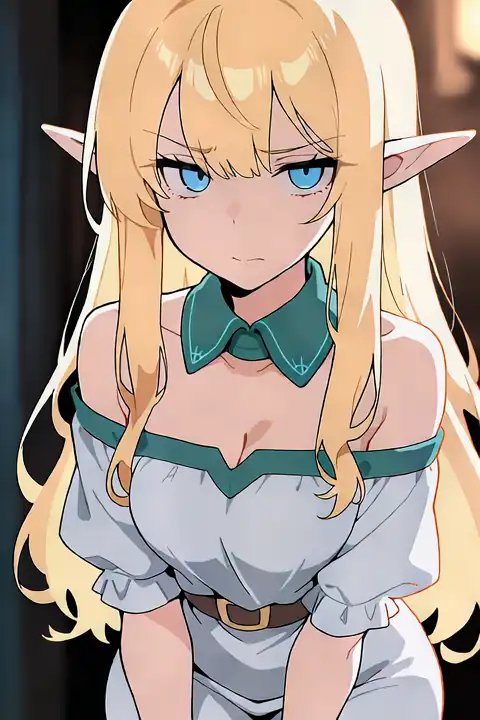
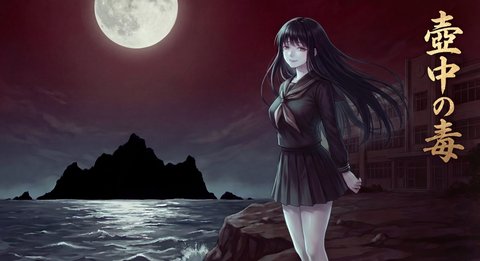
Custom mode's style cards include Anime, 2.5D, Ink Wash, Western and Realistic. Anime comes in four versions.
| Style | Version | How to write the prompt | Added to the base price |
|---|---|---|---|
| Anime | Classic | tags | 0 |
| Anime | New | tags | 10 mushies |
| Anime | Story | sentences | 10 mushies |
| Anime | Anima | tags or sentences | 10 mushies |
| 2.5D | tags | 10 mushies | |
| Ink Wash | tags | 10 mushies | |
| Western | tags | 10 mushies | |
| Realistic | sentences | 10 mushies |
Classic is the platform default and runs on Animagine XL. Story reads plain sentences, so use it when the picture has several people, an action or a sign with words on it. Anima takes tags and sentences both. Ink Wash adds Chinese ink-painting tags to your prompt for you. The picker shows the versions available when you open it, and Story and Anima are not always among them.
How do you write a prompt for anime art?
Atelier names two formats and tells you which one the chosen style reads.
Tag format is comma-separated Danbooru tags, in English. Danbooru is an anime image board, and its tags are the vocabulary most anime models were trained on. A tag prompt looks like this:
1girl, solo, silver hair, long hair, red eyes, school uniform, upper body, looking at viewer, cherry blossoms
Natural language is the picture described in English sentences:
A girl with long silver hair and red eyes stands under a cherry tree in a school uniform and waves at the viewer.
A prompt can be up to 2,000 characters. Some styles add their own quality tags in front of yours, so you do not need to open with "masterpiece, best quality".
How do you make an anime picture, step by step?
- Open Atelier and go to Image.
- Set the model to Custom. Atelier marks this mode "Our GPUs".
- Pick the Anime card, then a version.
- Write the prompt in the format the style reads. The Example button fills the box with a sample.
- Choose a size. There are five: Portrait at 832 by 1,216 px, the same turned sideways at 1,216 by 832, Square at 1,024 by 1,024, Wide at 1,344 by 768 and Tall at 768 by 1,344.
- Choose the quality: Standard, HD or 4K.
- Set how many images to draw in one run, from 1 to 4, and press Generate. The button shows the price.
Pictures are saved to your asset library. Up to 2 can generate at the same time, and you can submit up to 30 requests an hour.
Which settings change an anime picture the most?
Open Advanced to reach them.
- Steps, from 4 to 40. More steps cost more, because price follows pixels times steps.
- CFG scale, from 1 to 12. Higher follows the prompt more closely.
- Sampler, one of 7.
- Seed. Keep the seed to redraw the same composition with a changed prompt.
- Negative prompt, up to 1,000 characters, for what you do not want.
- LoRAs, up to 3 per picture, each with a weight from 0 to 1.5.
A LoRA is a small model file that teaches the image model one character or one art style. Add one from your own list, from the community tab, or by pasting a Civitai link. Atelier marks a LoRA that does not fit the base model you picked. To keep one character's face across many pictures, train a LoRA on that character: How to keep an AI character consistent with a LoRA.
You can also swap the base model for one you imported. That adds 60 mushies a picture, because loading a full model takes GPU time.
What does an anime picture cost?
| Picture | Price |
|---|---|
| Anime Classic, Portrait, default 28 steps, Standard | 10 mushies |
| The same on Anime New | 20 mushies |
| HD instead of Standard | 5 mushies more |
| 4K instead of Standard | 15 mushies more |
| Each LoRA | 2 mushies more |
| Each extra image in the same run | 80 percent of the first |
| A custom base model | 60 mushies more |
HD draws the picture at 1.5 times the size and 4K at 3 times. Any finished picture also has a "4K version" button that redoes it at 4K, so you can draft at Standard and pay for 4K only on the keeper.
Every Yumina account gets free mushies every month, and packs start at $2.99 for 1,000.
What can you do with the art?
Pick up a finished picture with Refine to change it further. Two starters in Atelier work on a character you already have: New outfit redraws the same character in new clothes, and Expression set draws nine expressions in one go on a 3 by 3 sheet.
From the asset library the picture can become a character's portrait on a card, a scene image or a cover. Story illustrations inside a chat are a separate setting with three styles, Fast, Detailed and Vivid, under Settings → Display → Story illustrations.
What is Yumina Atelier? lists the other studios, and How to make AI video of your character starts from a picture like these.
FAQ
What is the best prompt format for anime AI art?
Comma-separated Danbooru tags for most anime models, because that is what they were trained on. In Atelier, the Story version of Anime and the Realistic style read sentences instead.
Can I generate anime art in 4K?
Yes. Choose 4K under Quality for 15 mushies more, or press "4K version" on a finished picture.
Can I use my own LoRA for anime pictures?
Yes. Custom mode takes up to 3 LoRAs per picture at 2 mushies each. Import one from a Civitai link or a .safetensors file, or train one in Atelier.
How much does an anime picture cost on Yumina?
10 mushies for Anime Classic at the default settings and 20 for Anime New. Quality, LoRAs and extra steps add to that.
Sources
Checked 15 November 2026. Art styles and the Standard, HD and 4K quality levels: the update log at yumina.io/app/updates, entry "Art styles and 4K in custom generation", 3 October 2026. Refine, the three story illustration styles and LoRAs in Custom images: the entries of 10 and 15 November 2026. The limits of 2 at a time and 30 an hour: Visuals and audio. Free mushies: Is Yumina free?. Style versions, prompt formats, sizes, setting ranges and prices: the Image studio and its settings as shipped that day.